
In this article

Translate a feature into an action
A product feature becomes useful when you know what to do with it. For each item on a specification list, ask three questions: where will I see or control it, what information does it provide, and how will it change my routine? A label on its own may leave these questions unanswered.
Product demonstrations can make the interaction clearer, while the manual explains the operating steps and limitations. Keep the exact model name in view throughout the comparison. Similar wording across different brushes does not guarantee the same controls, interface, or behavior.

Read modes as choices you need to understand
When a brush offers different modes or settings, check how you select them and how the manufacturer describes their intended use. Consider whether the controls remain easy to use during a busy morning, and whether you can identify the setting you have chosen.
More choices can be helpful if they serve a purpose you understand. They can also add decisions you do not want to make every day. Use the supplied guidance when choosing a setting, and ask your dental professional about any adjustment related to your individual oral-health needs.
Ask what the feedback actually measures
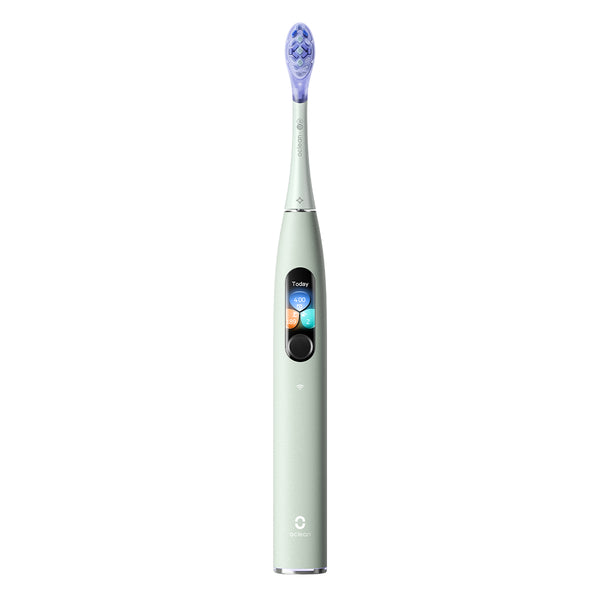
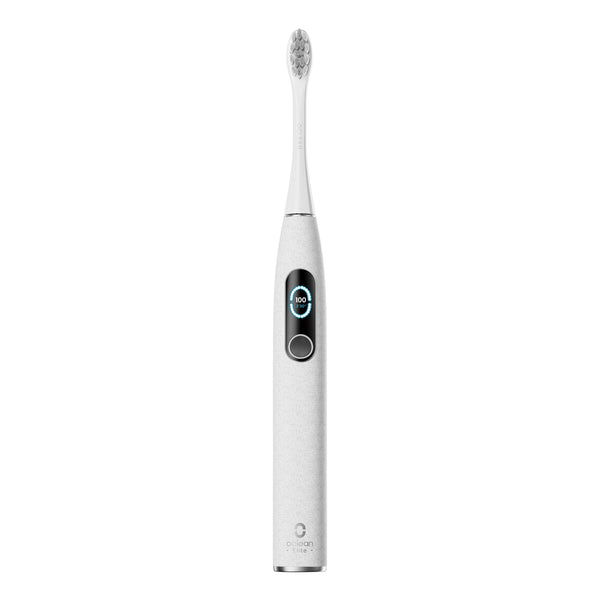
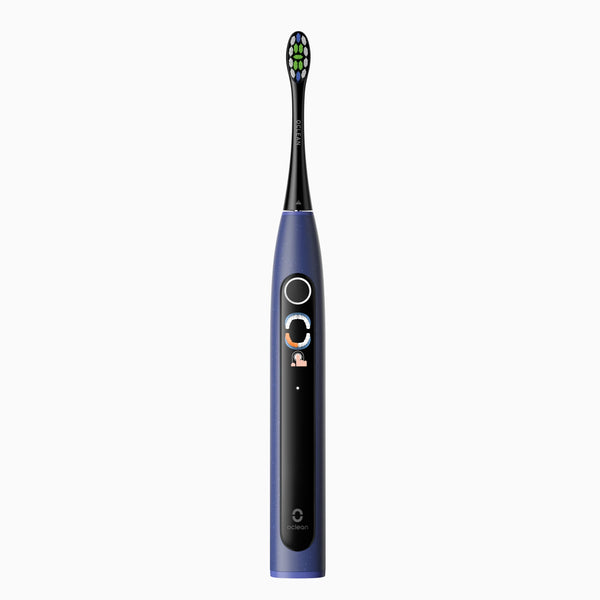
Look closely at any display, reminder, or brushing summary described for a model. Find out what information it reports and how the manufacturer recommends using it. A prompt can support a habit, but it should not be read as a diagnosis or a guarantee about an individual person's dental health.
Check where the information appears and what steps are required to view it. If a product has connected functions, verify the current US requirements before purchasing. Avoid assuming that every smart feature works in the same way across all Oclean models.
Put the features back into the full routine
After reviewing the technology, return to ordinary ownership: holding the brush, starting a session, caring for the head, charging, and buying replacements. A feature list becomes more useful when it sits beside these practical details.
Use the exact US Ultra listing and US X Pro Elite listing for a current comparison. Our guide to brushing feedback explores how to read that information, while the buying checklist helps you connect the features to your own priorities.
Frequently asked questions
Does a brushing summary replace a dental checkup?
No. Treat product feedback according to its documented purpose. It does not replace assessment or advice from your dental professional.
Do all Oclean brushes have the same smart functions?
Check the exact US model's current listing and manual. Features, interfaces, and requirements can differ.
What if a feature description is unclear?
Ask support what the feature does on the exact model you are considering, where it appears, and what is required to use it.