
In this article
Start with the handle you already own
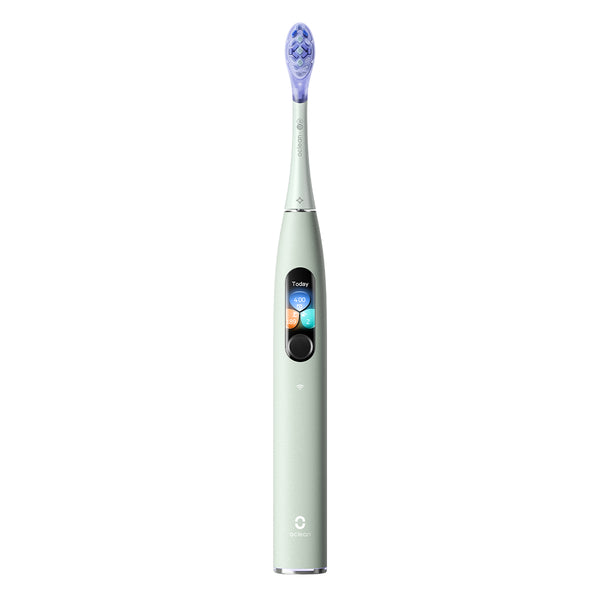
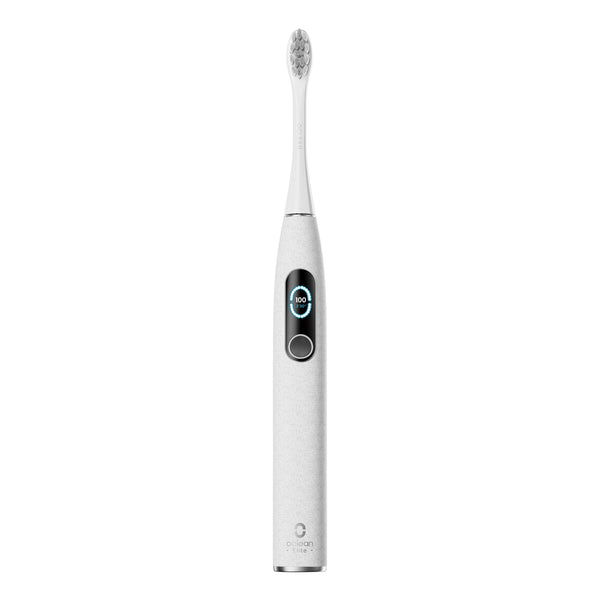
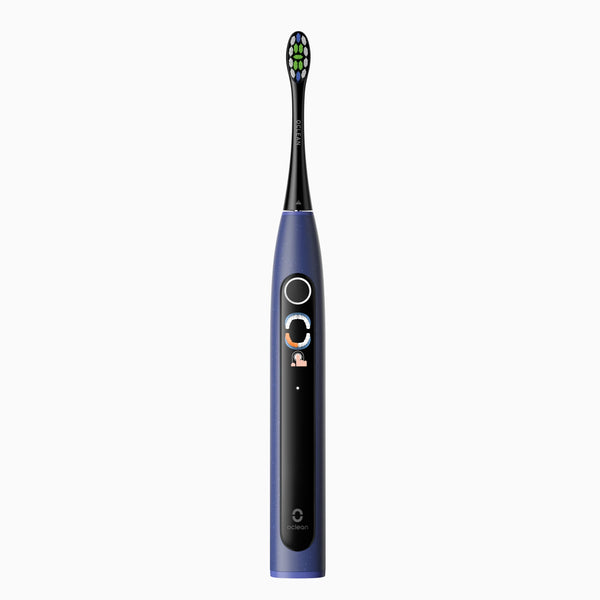
Before opening a replacement listing, find the model name of your toothbrush. Check the original order, packaging, or model information supplied with the handle. Save the full name rather than relying on a nickname such as "the smart brush" or the color of the device.
This matters when several brushes share a similar shape. A product bought in another market may also have different naming or packaging. Keep the purchase region alongside the model name, especially if you are comparing an older order with the current US store.
A useful note has three fields: exact handle model, original purchase region, and the replacement you used previously. A clear photo of the label or packaging can make a support conversation much easier.

Read compatibility before choosing a pack
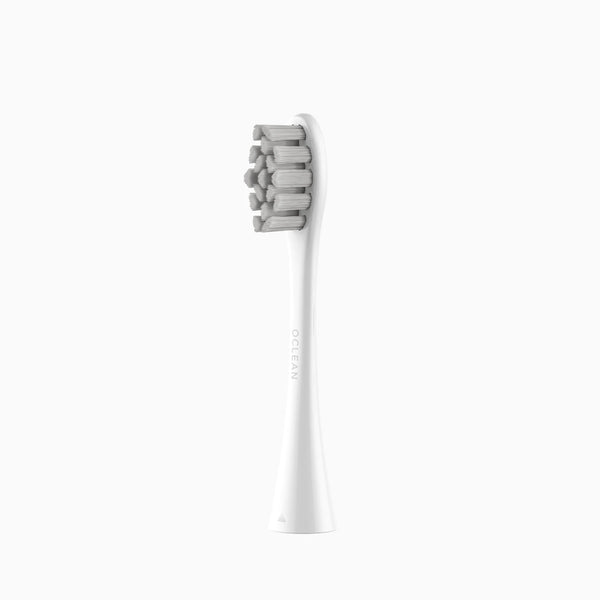
Next, open the replacement's own product page and look for the compatible models. Confirm the exact option or pack you plan to buy; the page title and the selected variant should describe the same item. Product photos can help you identify a pack, but they should not replace written compatibility information.
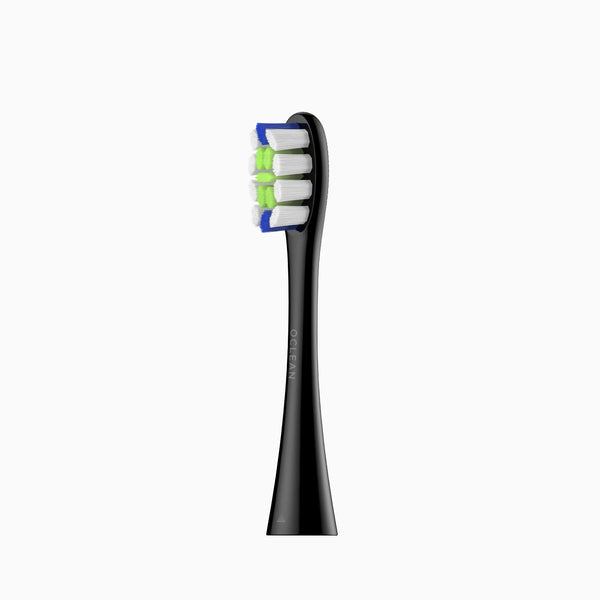
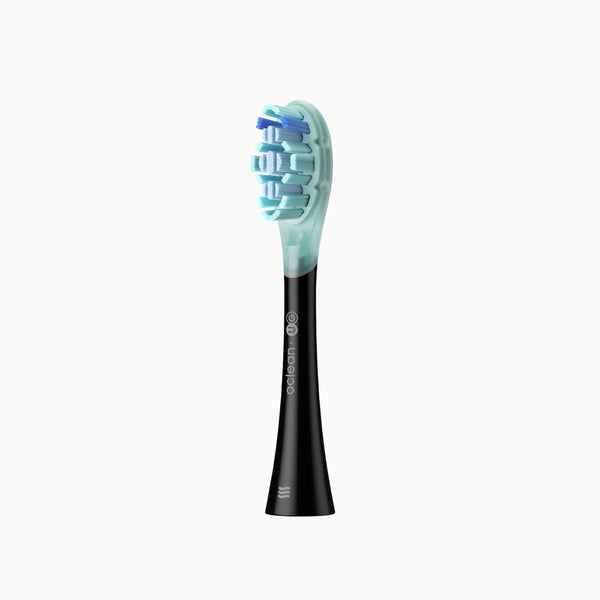
Browse the Professional Clean brush-head listing or the Ultra Series replacement listing, then check the details against your handle. These links are starting points for verification, not a claim that both packs fit every Oclean brush.
If the exact model is missing or the information conflicts, resolve that question before placing the order.
Compare the details that affect your order
Once the fit is confirmed, compare the head description, included quantity, and selected option. Decide how many people the order is for and where unused heads will be stored. Count actual replacement heads rather than assuming a picture of several packs shows the contents of one order.
Keep compatibility separate from personal preference. A head's name or appearance does not establish that it is suitable for a particular dental condition. For individual concerns about comfort or dental work, ask your dental professional which type of brush and technique to use.
Save the confirmed listing or order details so that your next refill purchase starts with a reliable reference.
Related guide: when to replace a brush head.
Check the replacement before using it
When the order arrives, compare the packaging with your order and follow the instructions for fitting the head. Do not force an attachment that does not fit as described, modify the connector, or continue with a visibly damaged part.
If something seems wrong, contact support with the handle model, replacement name, order information, and a clear photo. That gives the team specific details to check instead of asking them to identify a model from color alone.
For care after installation, see our brush-head cleaning guide. Compatibility checks and routine care answer different questions, and both belong in a useful refill checklist.
Frequently asked questions
Do all Oclean brush heads fit every handle?
Do not assume universal compatibility. Check the exact handle model against the current US listing for the replacement you selected.
Can I confirm the fit from a photograph?
Use the written model and compatibility information. If the listing is unclear, ask support before ordering or trying the replacement.
What should I keep for the next refill order?
Keep your handle model, confirmed replacement name, purchase region, and order details together.