
In this article
Find the moment you tend to miss
Before setting another alarm, notice when your planned routine becomes difficult. Is the problem remembering, finding your tools, charging a device, or trying to start when you are already ready for bed? Different obstacles call for different changes.
For a few days, make a brief note of what actually got in the way. Keep it factual: "charger in another room" is more useful than "bad at routines." The aim is to identify a small problem you can change, not to grade yourself.
If your care plan includes instructions from your dental professional, build your reminders around that plan. A phone alert can support the routine, but it cannot decide which care is appropriate for you.
Choose one cue with a clear next action
A cue works best when you know what to do after noticing it. Instead of a vague notification such as "be healthier," use a label that points to the routine you intend to follow. Pair it with a dependable part of getting ready, then see whether the timing is practical.
You might prefer a calendar prompt before you settle down for the evening, or a small note beside the items you use. Choose one starting cue rather than filling your day with competing reminders.
Keep the message private if it appears on a shared screen. There is no need to include personal dental details in a lock-screen notification. A simple phrase you understand is enough.
Remove the delays after the reminder
When the cue appears, the next step should be easy to begin. Give the tools you use a dependable place and keep compatible charging accessories where the instructions allow. Reorder replacements before a missing part becomes the reason to postpone the routine.
Separate care reminders from maintenance reminders. One can prompt your everyday plan; another can remind you to check a head, clean a holder, or review charging needs. Combining everything into a long daily task list can make a useful cue feel unnecessarily complicated.
For a simple starting setup, see our everyday routine guide. This article focuses on the reminder itself, so use the two together when both timing and organization need attention.

Review the system, not just a streak
After trying the reminder, ask a practical question: did it appear at a time when you could act on it? Repeatedly dismissing an alert is a reason to adjust its timing or remove a barrier. Adding more alarms may only repeat the same problem.
A missed occasion does not require restarting a complicated challenge. Return to your usual plan and make the next reminder useful. If the routine itself causes discomfort or uncertainty, ask your dental professional rather than treating motivation as the only issue.
You can also use features on the device you already own. Check its actual instructions before relying on timers or feedback; a particular reminder feature is not available on every model. Choose the simplest system that helps you follow the plan you understand.
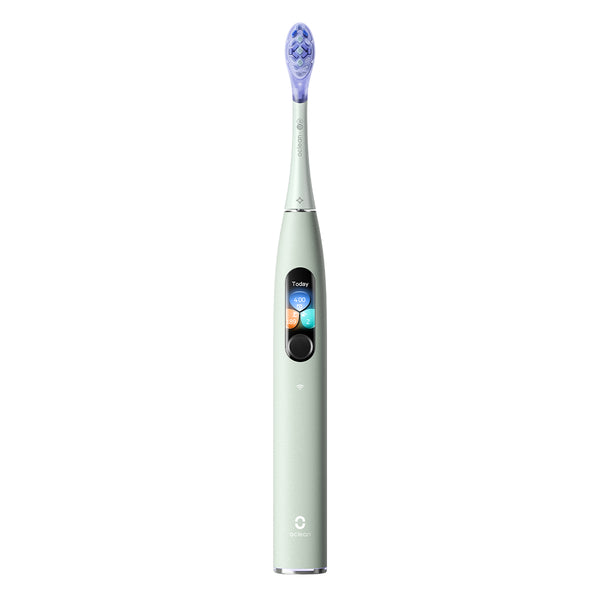
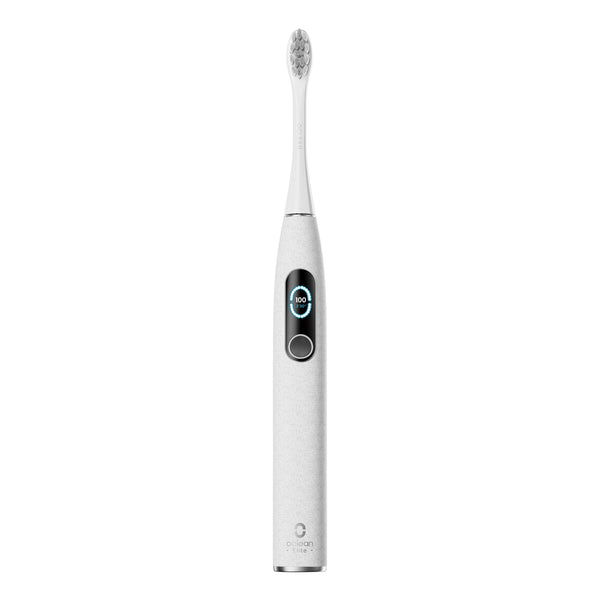
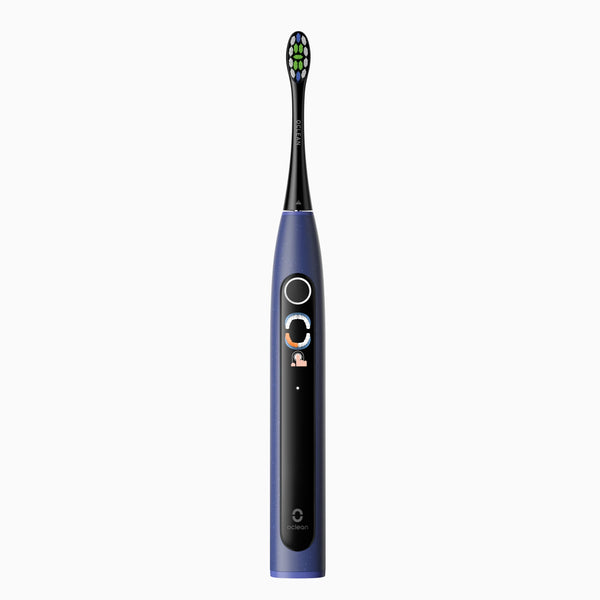
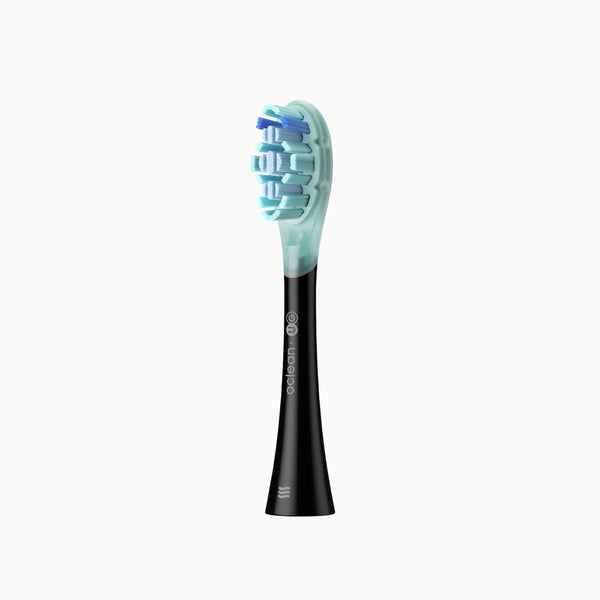
If you want a device-based prompt to support the plan, check the Oclean Ultra model information for the functions available on that exact US brush.
Related guide: reading smart toothbrush feedback.
Frequently asked questions
Do I need an app to build a routine?
No. A calendar cue, a note, or a dependable moment in your day may be enough. Use an app only if it helps you act.
What if I keep dismissing the reminder?
Review the timing and what gets in the way afterward. Make the next action clearer before adding more notifications.
Should the reminder choose my dental-care plan?
Use the care plan appropriate for you, including guidance from your dental professional. The reminder supports that plan.